

Instructions Small
Bosch Software Tuning Instructions
EBT Unlock Key and EBTsmart Unlock Key
Unlock your compatible Bosch e-bike directly in your browser – without chip installation, without an app, and without motor disassembly.
The EBT Unlock Key is the browser-based license solution for many compatible Bosch Gen1, Gen2, Gen3 and Gen4 systems on BES1 / BES2. The EBTsmart Unlock Key is the dedicated browser-based license solution for compatible Bosch Smart System / BES3 e-bikes – including many configurations with or without rim magnet.
All you need is your license code, Google Chrome or Microsoft Edge, a stable internet connection and a suitable USB data cable.
Important for browser connection: The EBT Unlock Key requires WebHID. The EBTsmart Unlock Key uses webUSB. Supported devices are Windows computers, Apple computers and Android smartphones. iPhone and iPad are not supported.
Important firmware note for the EBTsmart Unlock Key: Currently tested and approved up to version 19.24.0 for motor / drive unit and up to firmware generation 19 for peripherals. This means the EBTsmart Unlock Key is also compatible with current Bosch Smart System software states of the 19 generation.
Important license note: The respective license code is system-bound and not freely transferable. After activation, the license is linked to the specific vehicle or system.
Before You Start
- Supported devices: Windows PC, Apple computer or Android smartphone
- Not supported: iPhone and iPad
- Supported browsers: Google Chrome or Microsoft Edge
- Required cable: a real USB data cable, not a charge-only cable
- Connection: stable internet connection
- Battery level: the e-bike battery and the device used should be sufficiently charged
- Browser interface for EBT Unlock Key: WebHID
- Browser interface for EBTsmart Unlock Key: webUSB
- Firmware approval for EBTsmart Unlock Key: motor / drive unit up to 19.24.0, peripherals up to firmware generation 19
Important: Activation happens directly in the browser via USB. What matters is the correct Bosch system, a supported device, the right browser interface, a real data cable and, for Smart System bikes, an approved firmware version.
Compatibility Overview
- The EBT Unlock Key is intended for many compatible Bosch Gen1–Gen4 e-bikes on BES1 / BES2.
- The EBT Unlock Key is not compatible with Bosch Gen1 HMI, Bosch Smart System / BES3 and e-bikes with ABS.
- The EBTsmart Unlock Key is intended for Bosch Smart System / BES3, including many configurations with or without rim magnet.
- For Smart System e-bikes with ABS, the EBTsmart Unlock Key supports only up to 32 km/h. The optional 45 km/h level is not available with ABS.
- For the EBTsmart Unlock Key, currently approved are motor / drive unit up to 19.24.0 and peripherals up to firmware generation 19.
Important Display Behavior Notice
- EBT Unlock Key / Gen1: On supported Gen1 systems, displayed values remain correct.
- EBT Unlock Key / Gen2–Gen4 BES2: During riding, displayed values are typically shown at half the real values. This is normal system behavior.
- EBTsmart Unlock Key / Smart System: In the 32 km/h level, speed, distance and odometer remain correct. In the optional 45 km/h level, display values are no longer correct from about 22 km/h.
Video Instructions
Want to watch the activation process first? Choose between the English and German video tutorial for the browser-based unlock process:
English Video Tutorial
German Video Tutorial
Note: Depending on the Bosch system, display, controller and unlock type (EBT or EBTsmart), individual screens or options may vary slightly.
Step by Step: How Browser-Based Activation Works

Step 1: Turn on your e-bike and connect it to your Windows PC, Apple computer or Android device using a real USB data cable.
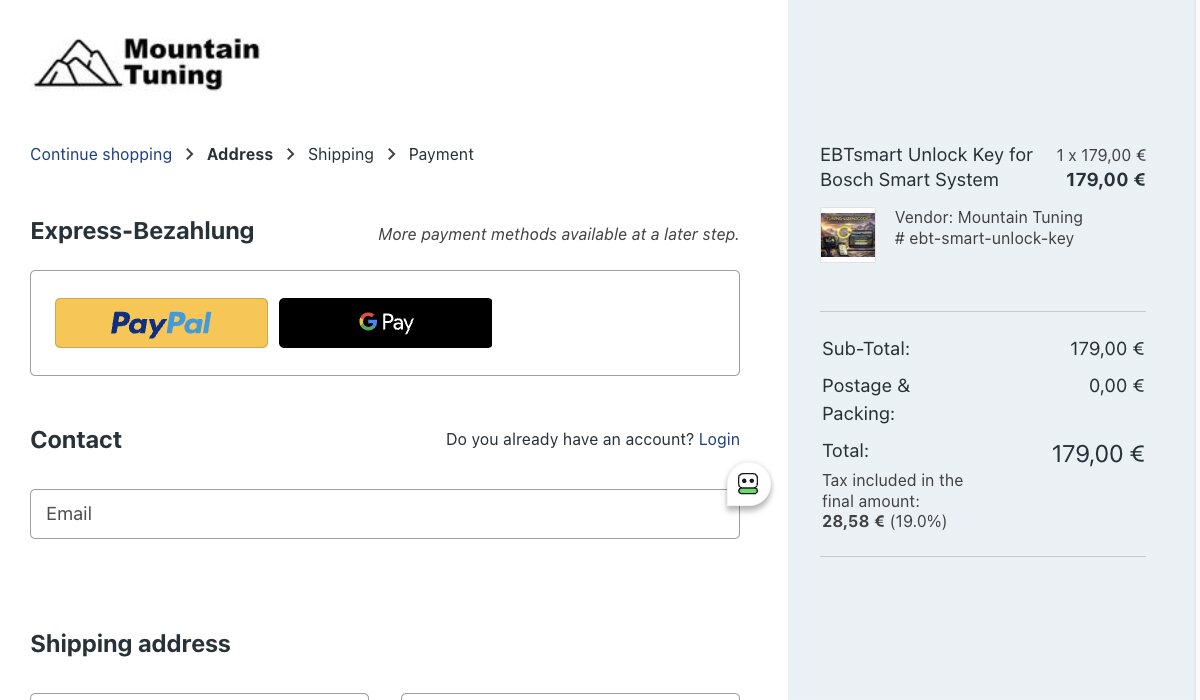
Step 2: Order the matching license online – either the EBT Unlock Key or the EBTsmart Unlock Key, depending on your Bosch system.

Step 3: You will receive your invoice and your personal 25-digit license code by email.
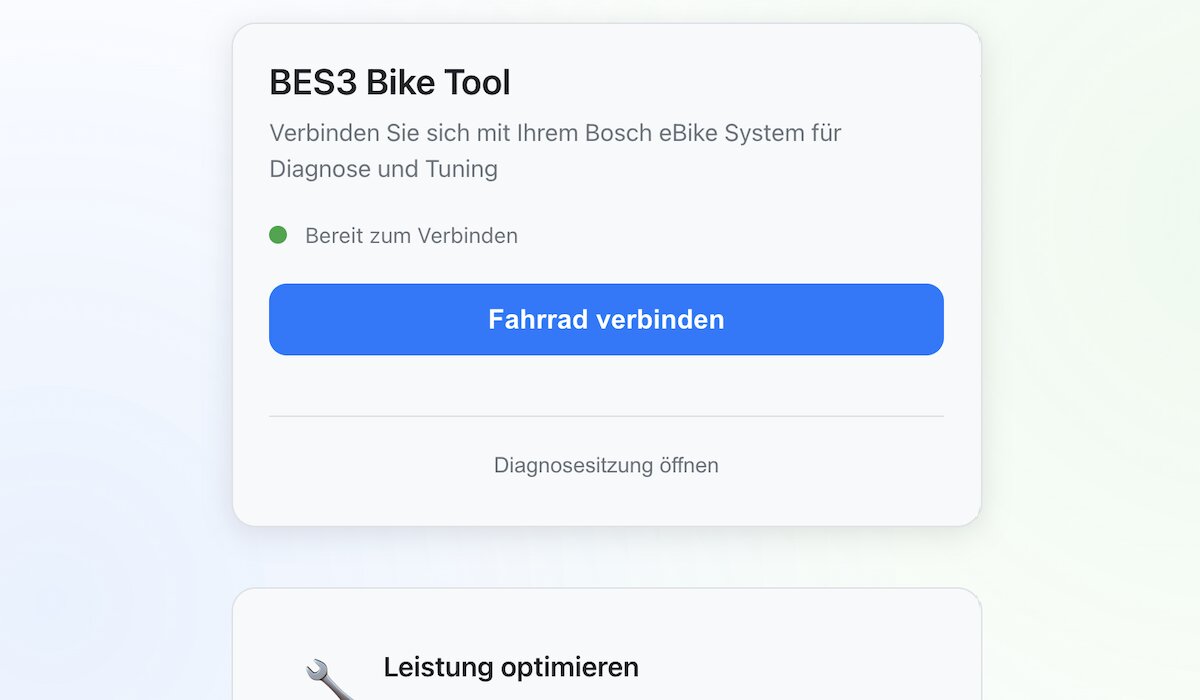
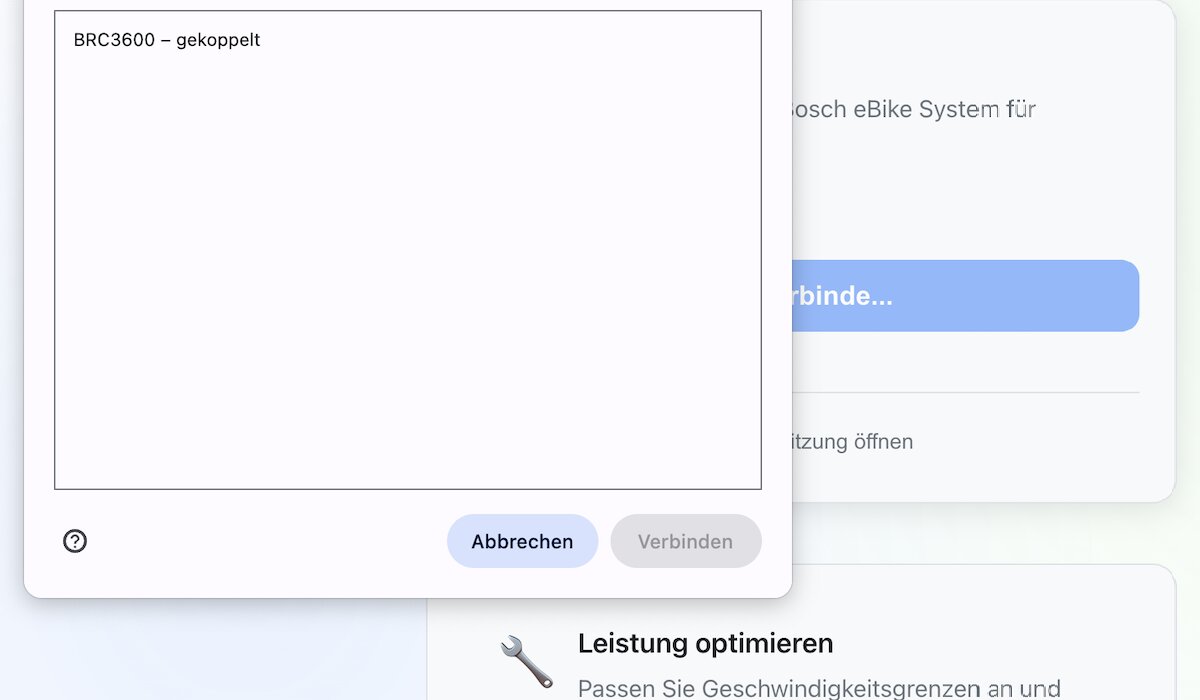
Step 5: Allow the browser to connect to your Bosch e-bike or display. The EBT Unlock Key needs WebHID, and the EBTsmart Unlock Key uses webUSB.
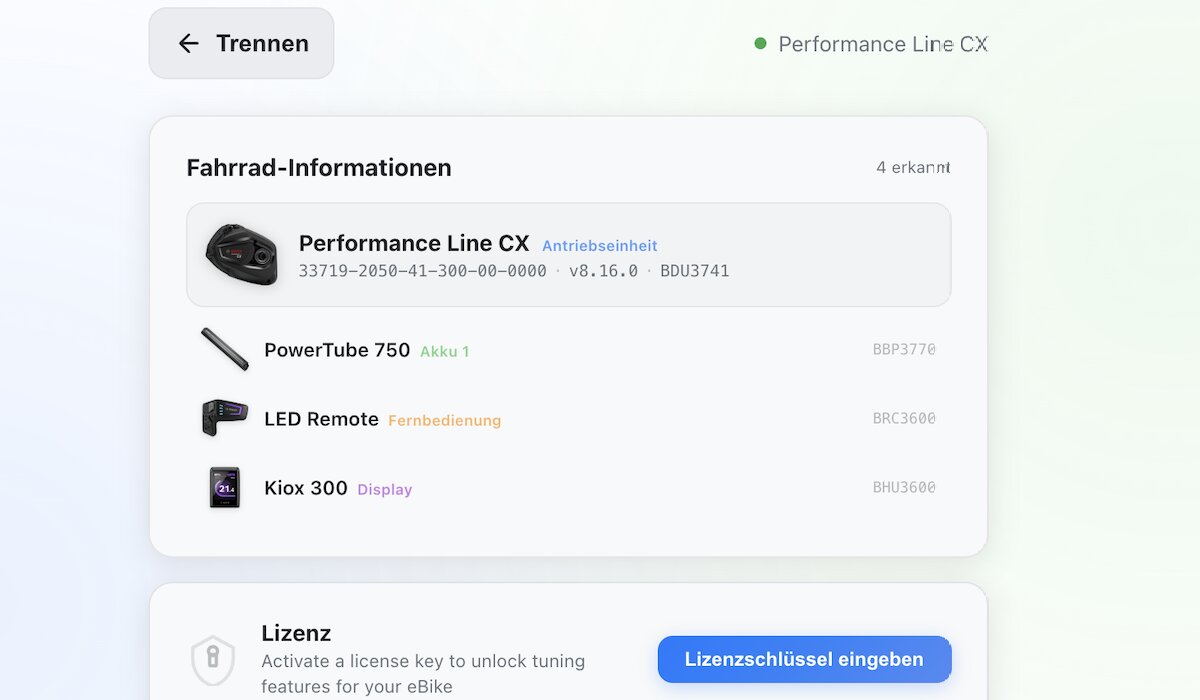
Step 6: The platform reads your e-bike configuration and shows the detected system.
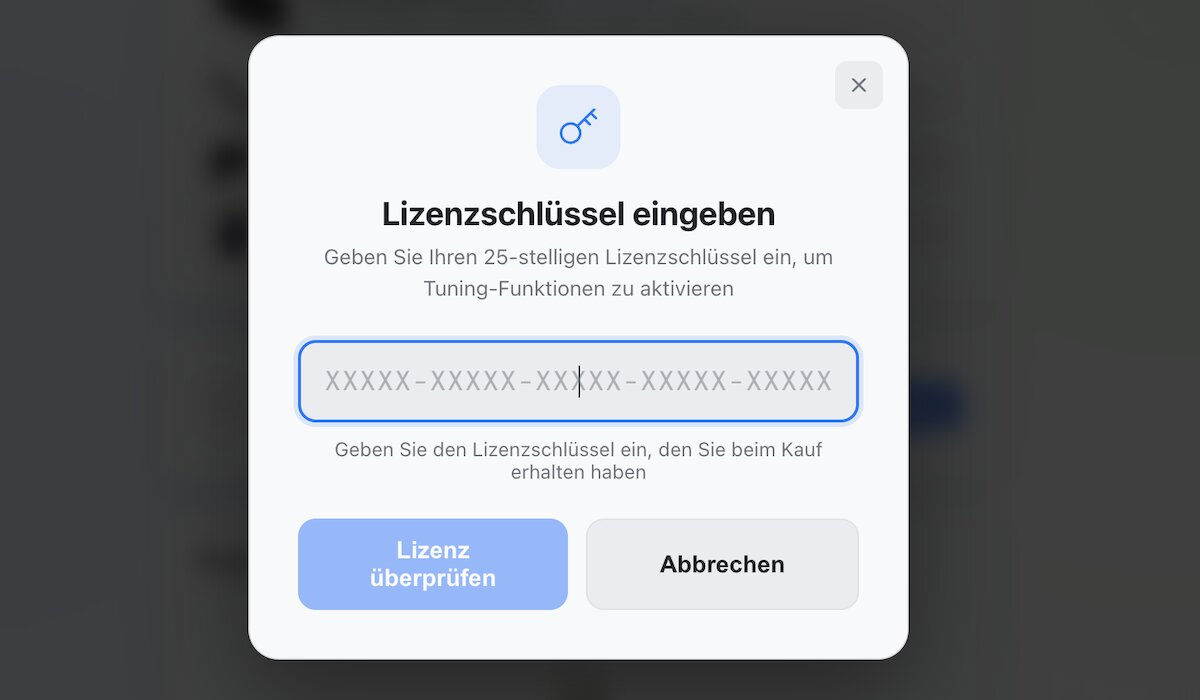
Step 7: Start entering your license code exactly as received.
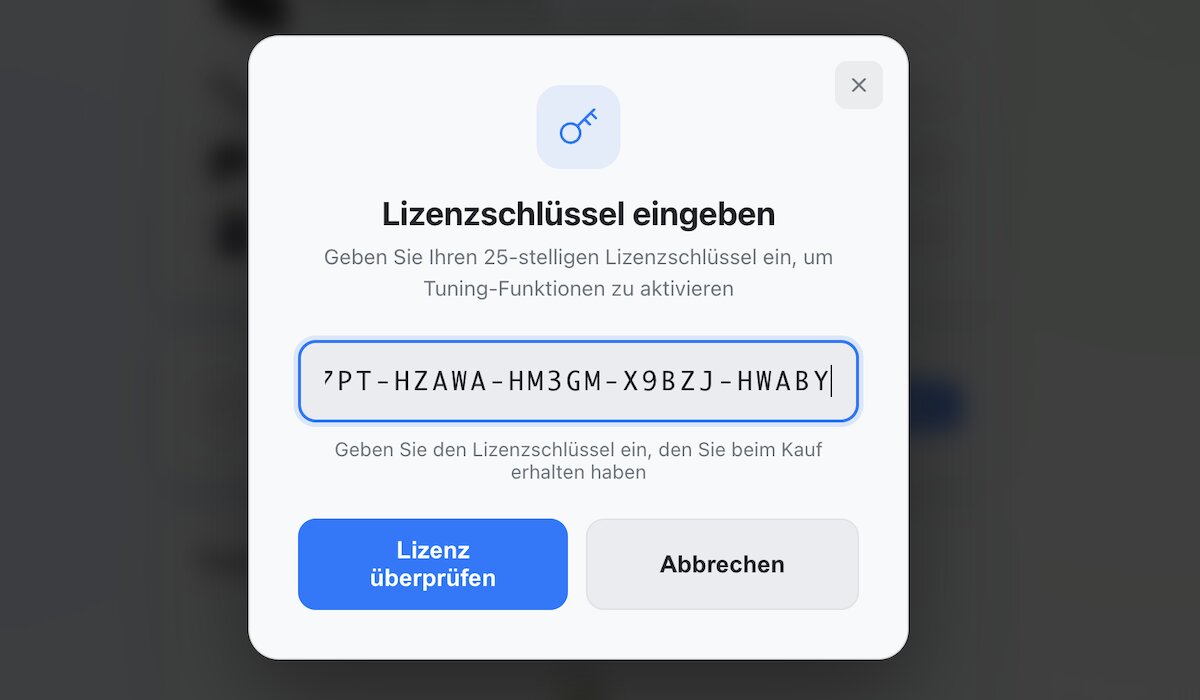
Step 8: Enter the full code with hyphens and without spaces.
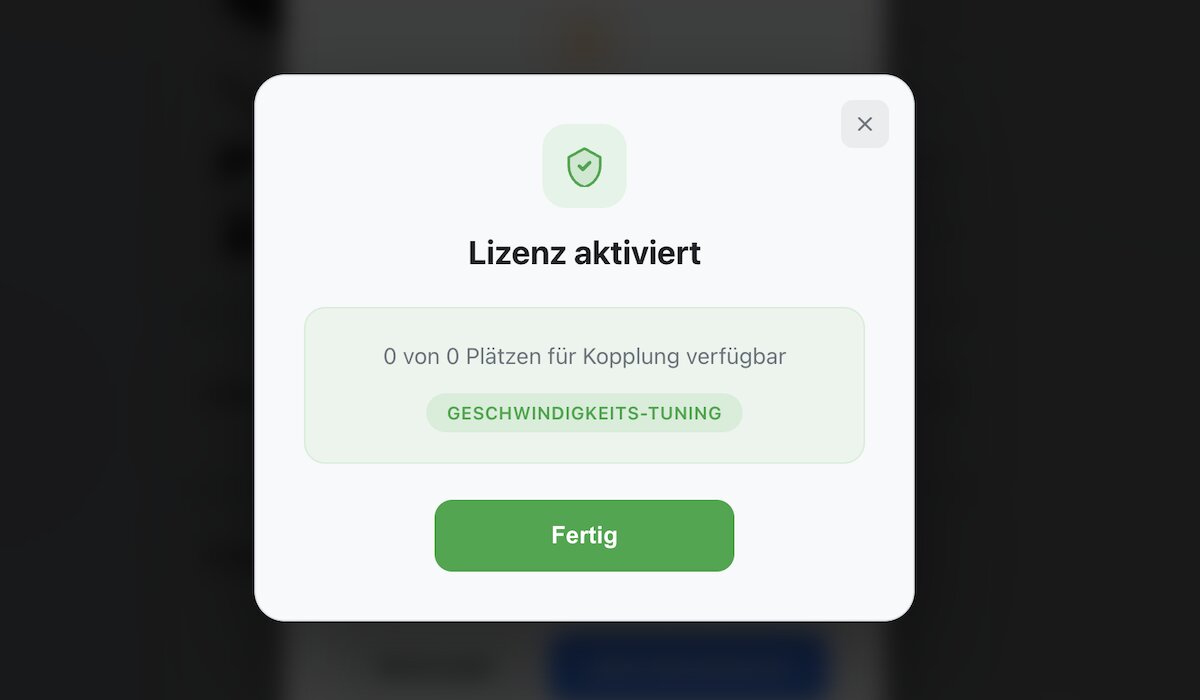
Step 9: Your license is activated and linked to the connected e-bike.
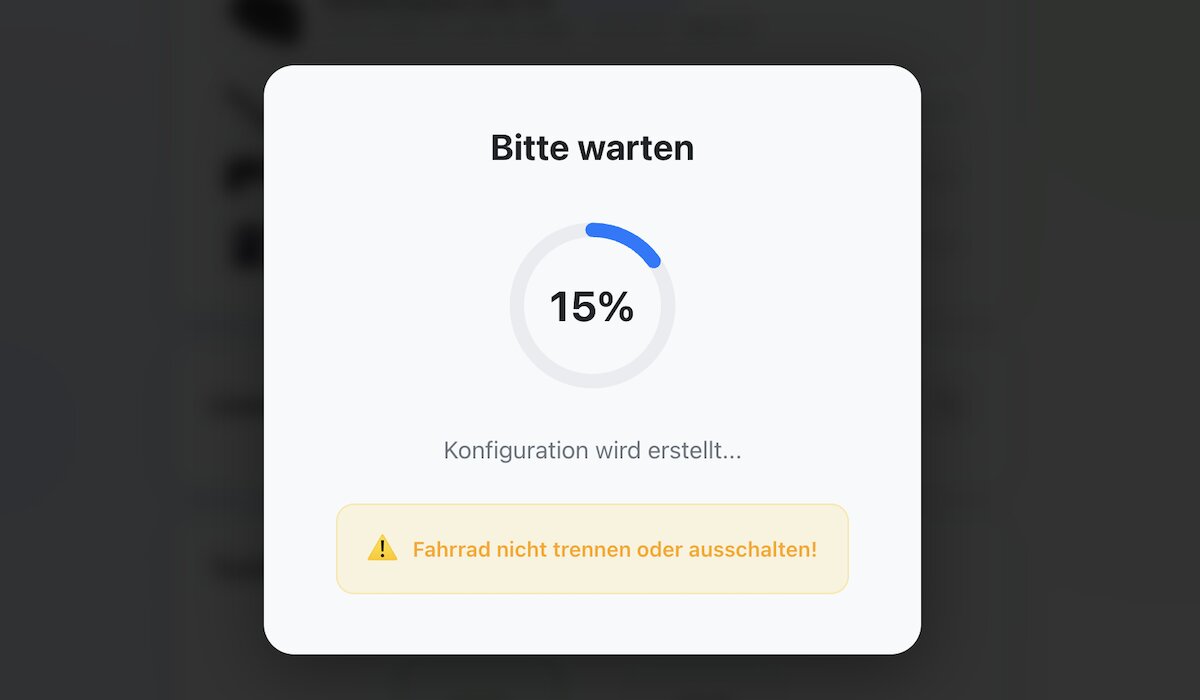
Step 10: Please wait while the configuration is written to the system.
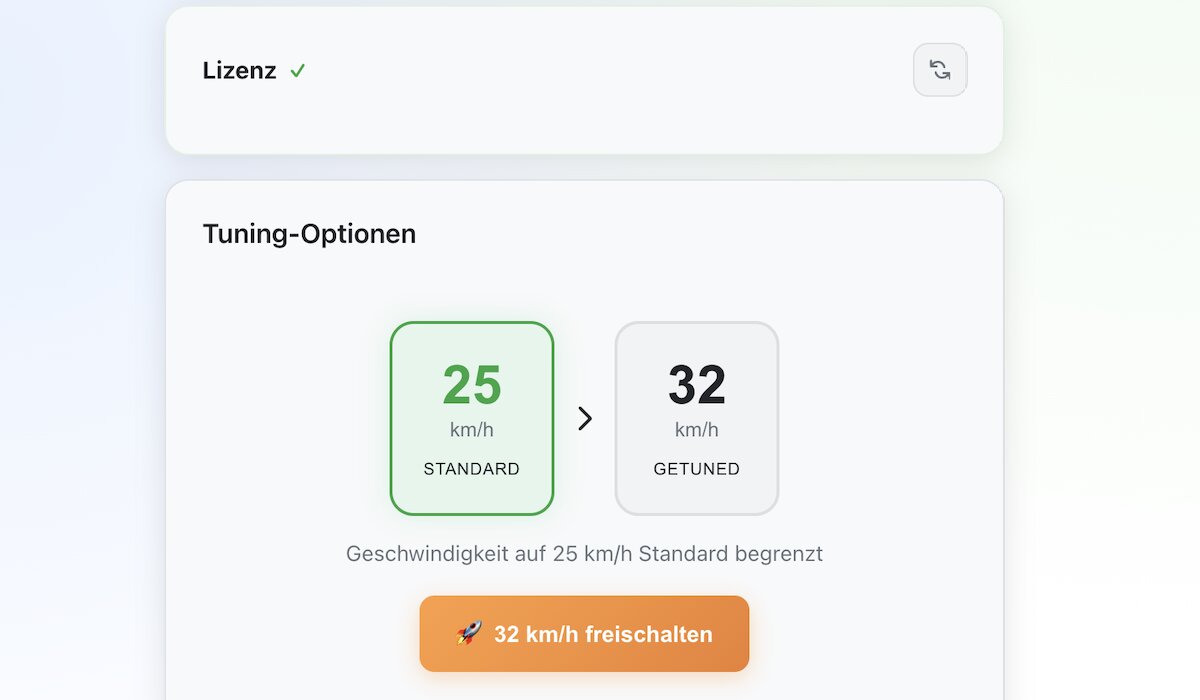
Step 11: Choose your tuning options. For Smart System e-bikes this can include the 32 km/h level and, if supported and approved, the optional 45 km/h level.
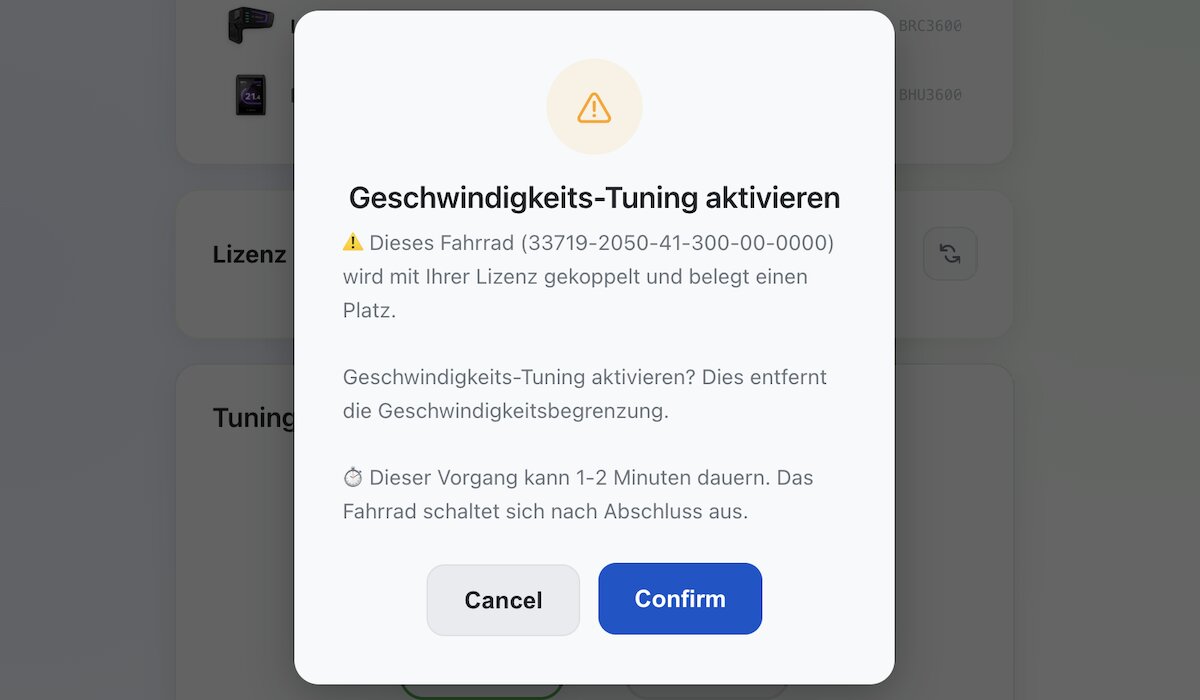
Step 12: Confirm the desired unlock option and activate the unlock.
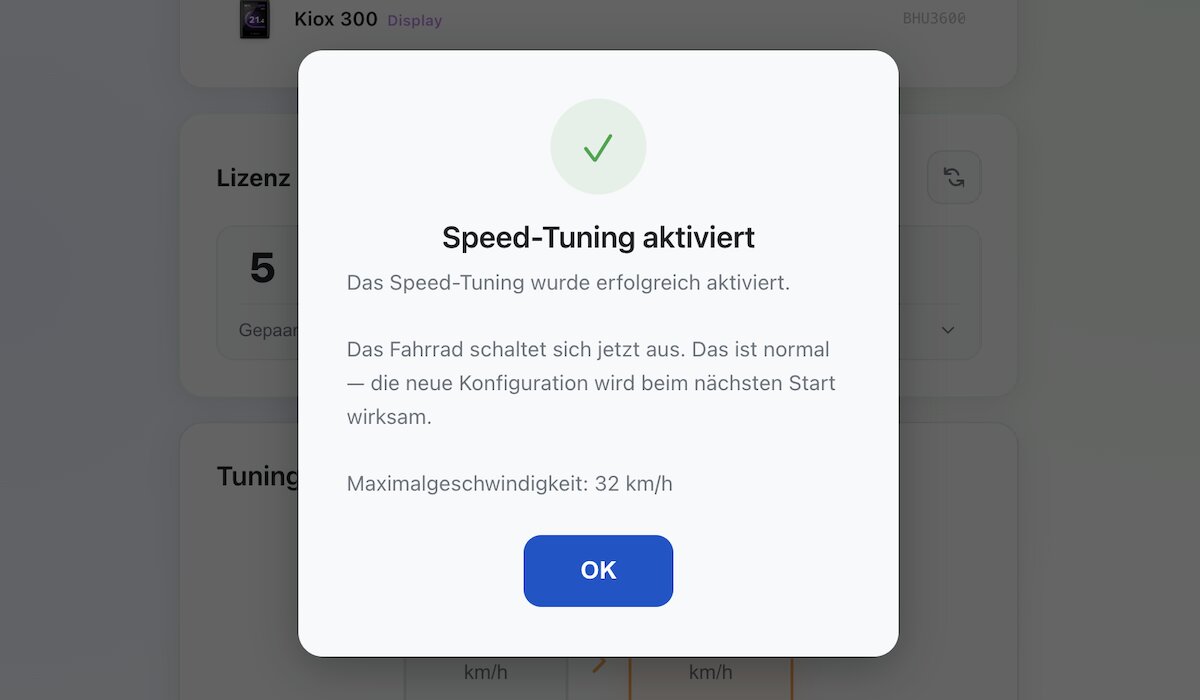
Step 13: The unlock is now active. Via the same platform you can return to the original state at any time later.
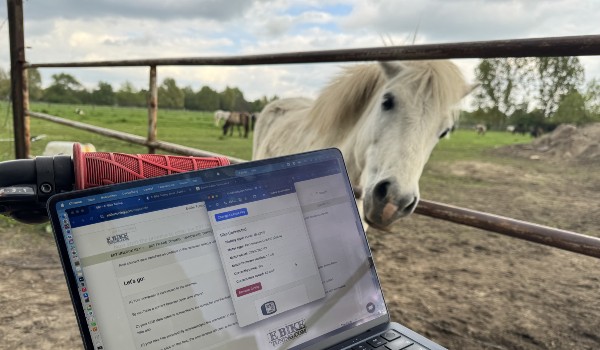
Step 14: Done – your browser-based unlock is ready to use.
Advantages of the Unlock Keys
- No installation, no app, no chip
- Completely browser-based process
- No motor disassembly required
- Permanent unlock, even after battery replacement
- Resettable at any time via the same platform
- Unlocking of your compatible Bosch e-bike in just a few minutes
- Clean solution for classic Bosch systems and Bosch Smart System
- The license code is system-bound and not freely transferable
Supported Bosch Motor Systems
- Gen1 BES1 – Bosch Classic Line / Classic+ (except Gen1 HMI)
- Gen2 BES2 – Active Line, Performance Line, Performance Line CX
- Gen3 BES2 – Active Line, Active Line Plus, Performance Line
- Gen4 BES2 – classic Gen4 systems with round charging plug
- Gen4 BES3 – Bosch Smart System Gen4 configurations
- Gen5 BES3 – Bosch Smart System Gen5 configurations
Not compatible with the EBT Unlock Key: Bosch Gen1 HMI, Bosch Smart System / BES3 and e-bikes with ABS.
Important Smart System notice: On Bosch Smart System, the EBTsmart Unlock Key supports many compatible configurations with or without rim magnet. For e-bikes with ABS, only the 32 km/h level is available.
Important Notice
Unlocking changes the technical classification of your e-bike. Use on public roads without the required registration, insurance or permission may be unlawful in many countries. Always check the legal rules that apply to you before use.
The provider is not liable for misuse, unlawful road use or damage caused by improper application.
More Questions?
More information: FAQ / Unlock Keys Overview / Glossary / Support
